Your story,
on the big screen.
Paste any text. CoralVibe splits it into scenes, keeps your cast consistent, and returns a finished comic or a voiced short film.
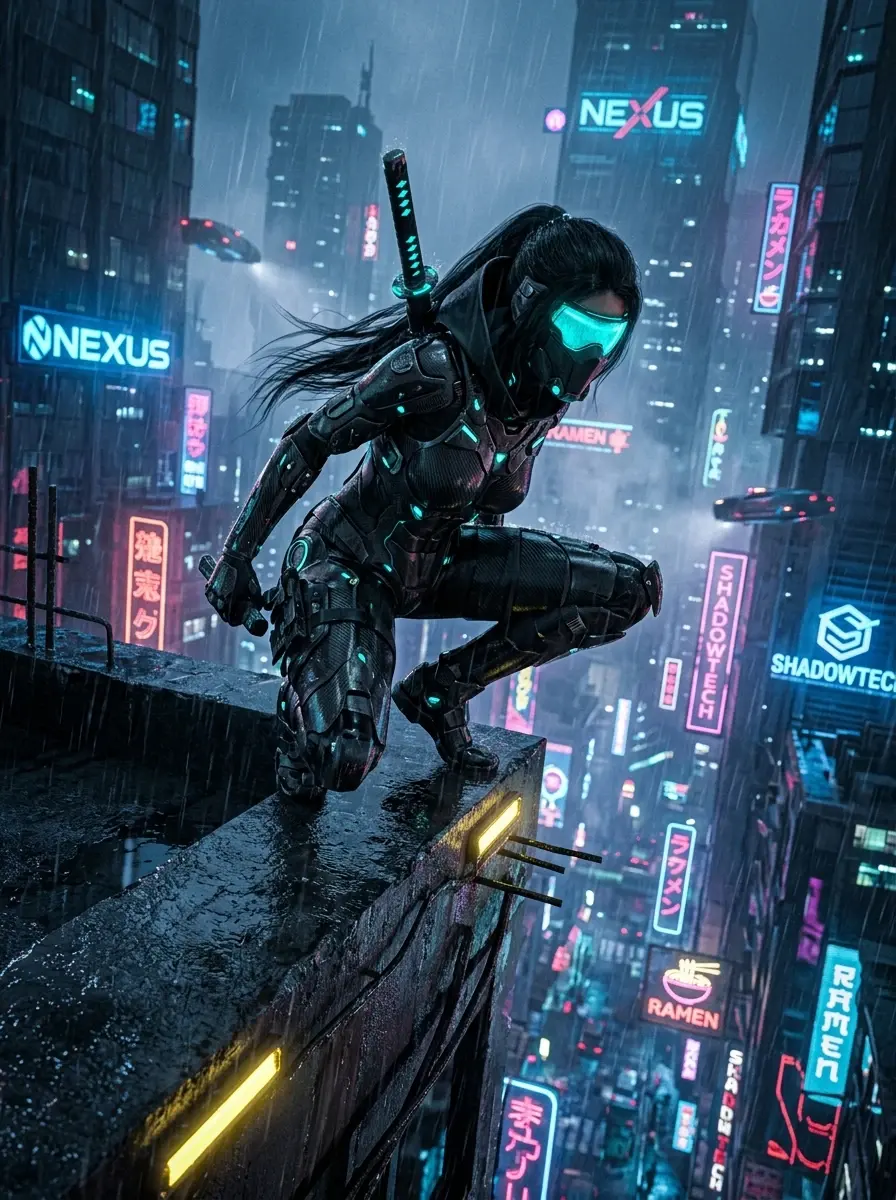
Rain hasn't stopped over Neo-Kyoto for forty days. Kaito, a ronin with a borrowed sword, is hired to walk a courier across the rooftops before the curfew drones wake up. Halfway there, the courier admits the package is a memory, and it belongs to Kaito.
How it works
01Paste your story
Drop in a chapter, a script or a few lines. CoralVibe splits it into scenes and finds your characters and locations.
02Pick a look
Choose a visual style and camera mode. Your cast keeps the same faces and outfits from the first scene to the last.
03Get your film
Review the scenes, tweak any frame, and export a finished comic or a voiced short film.
Write and split
Paste a story.
Get a storyboard.
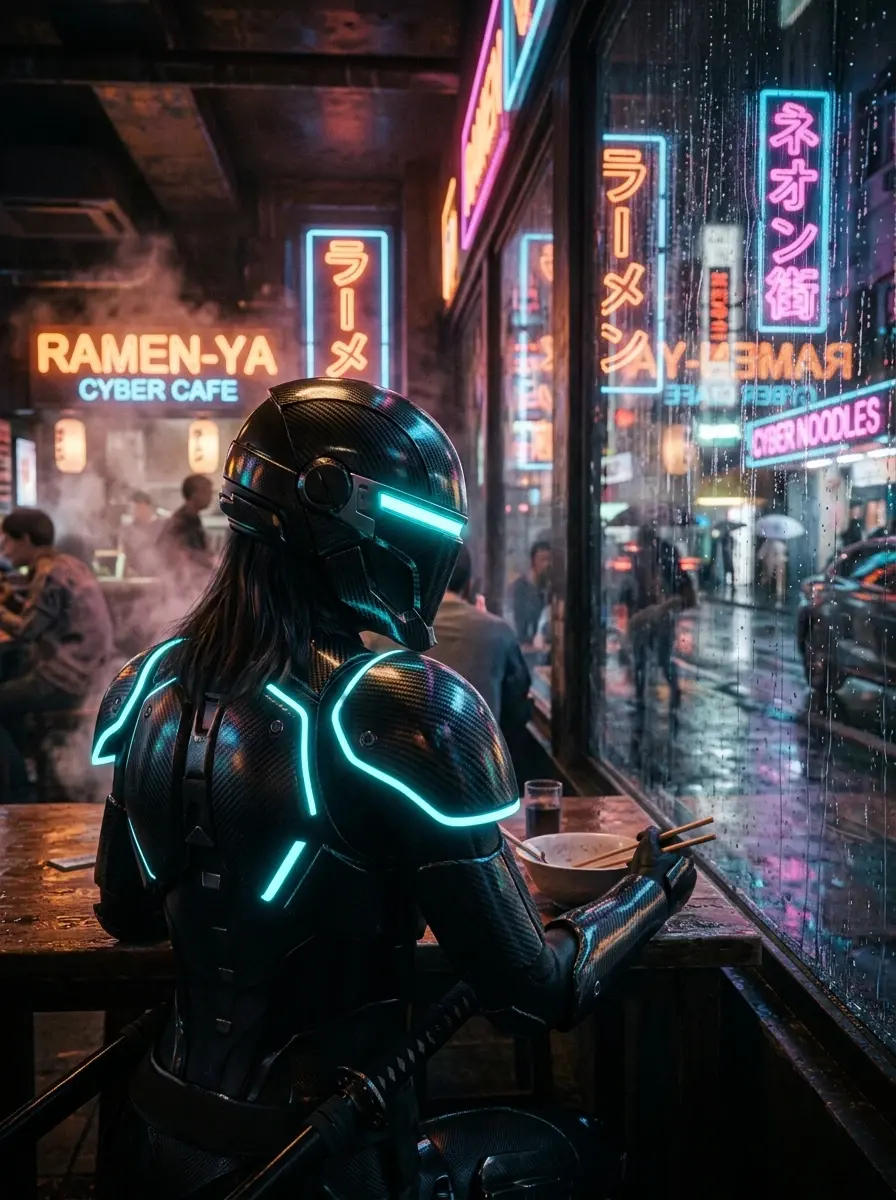
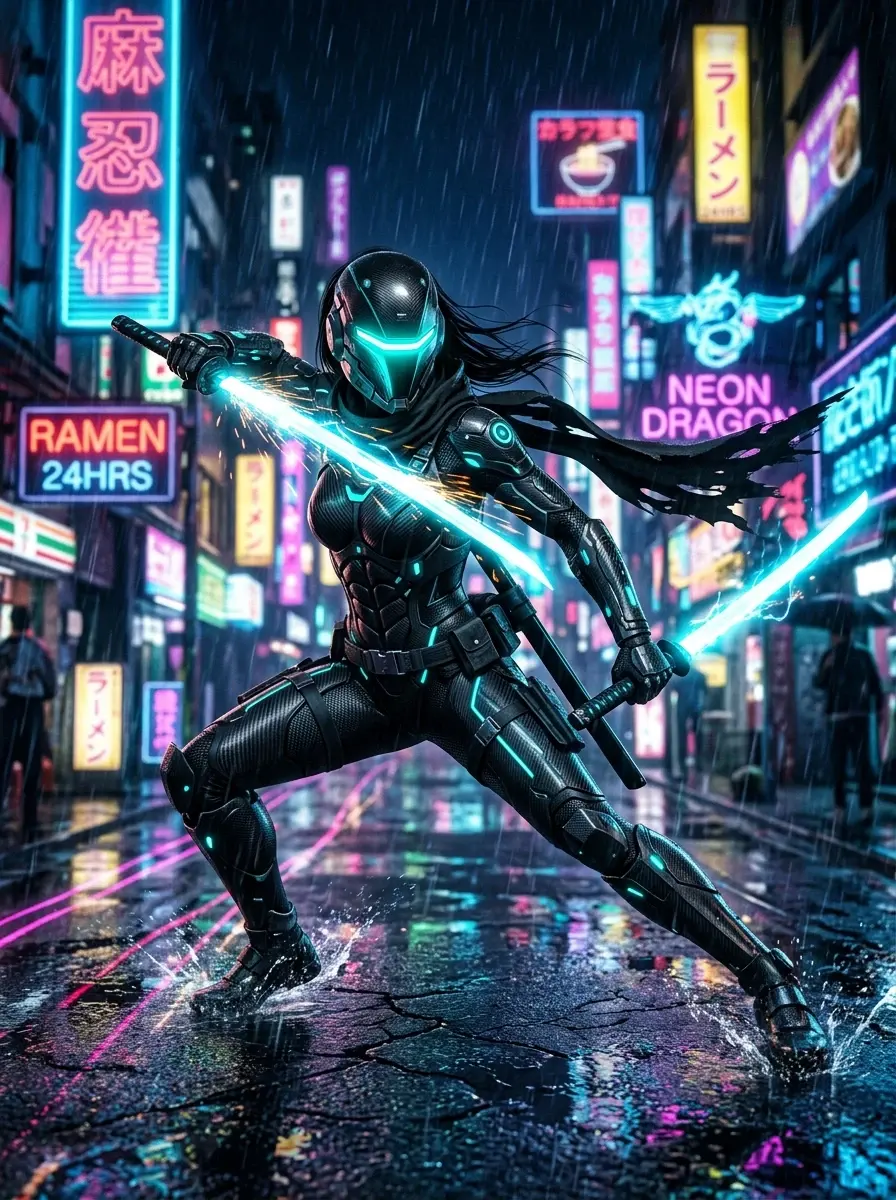
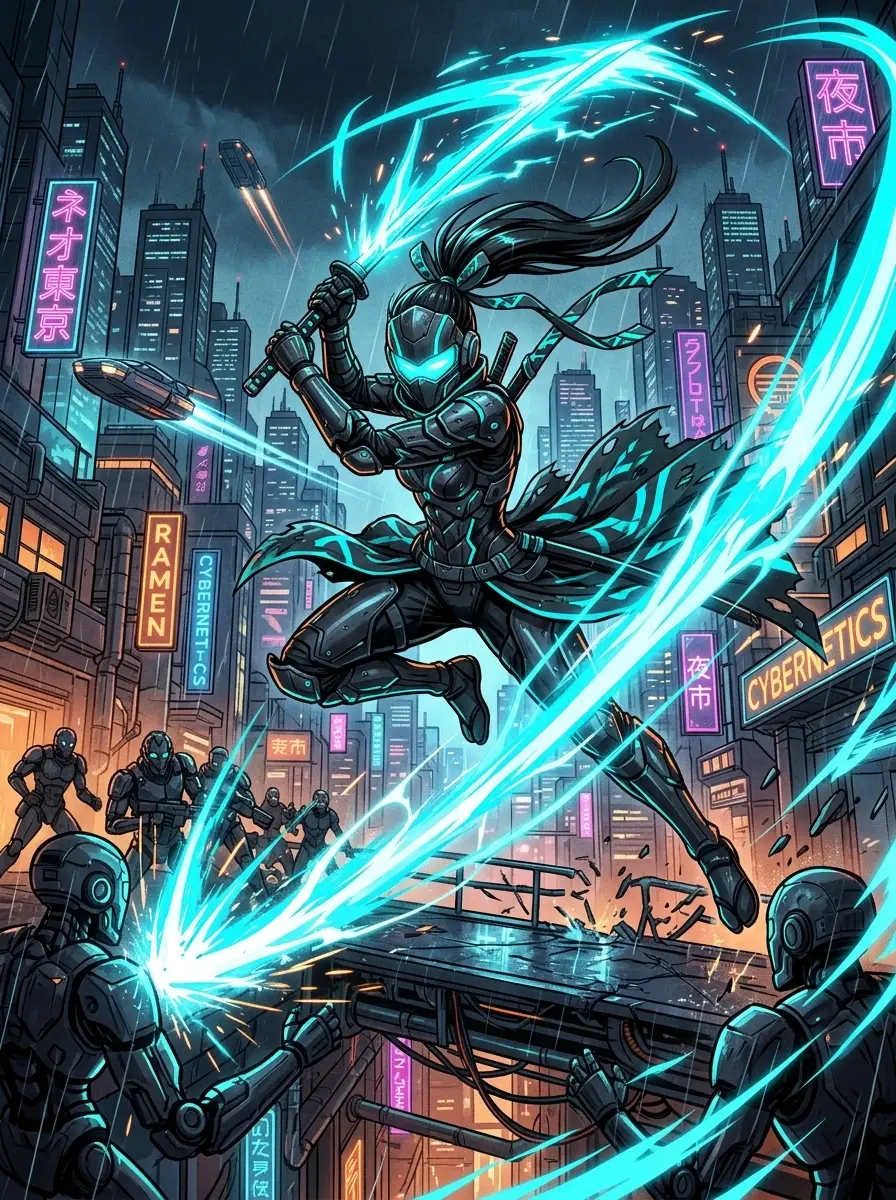
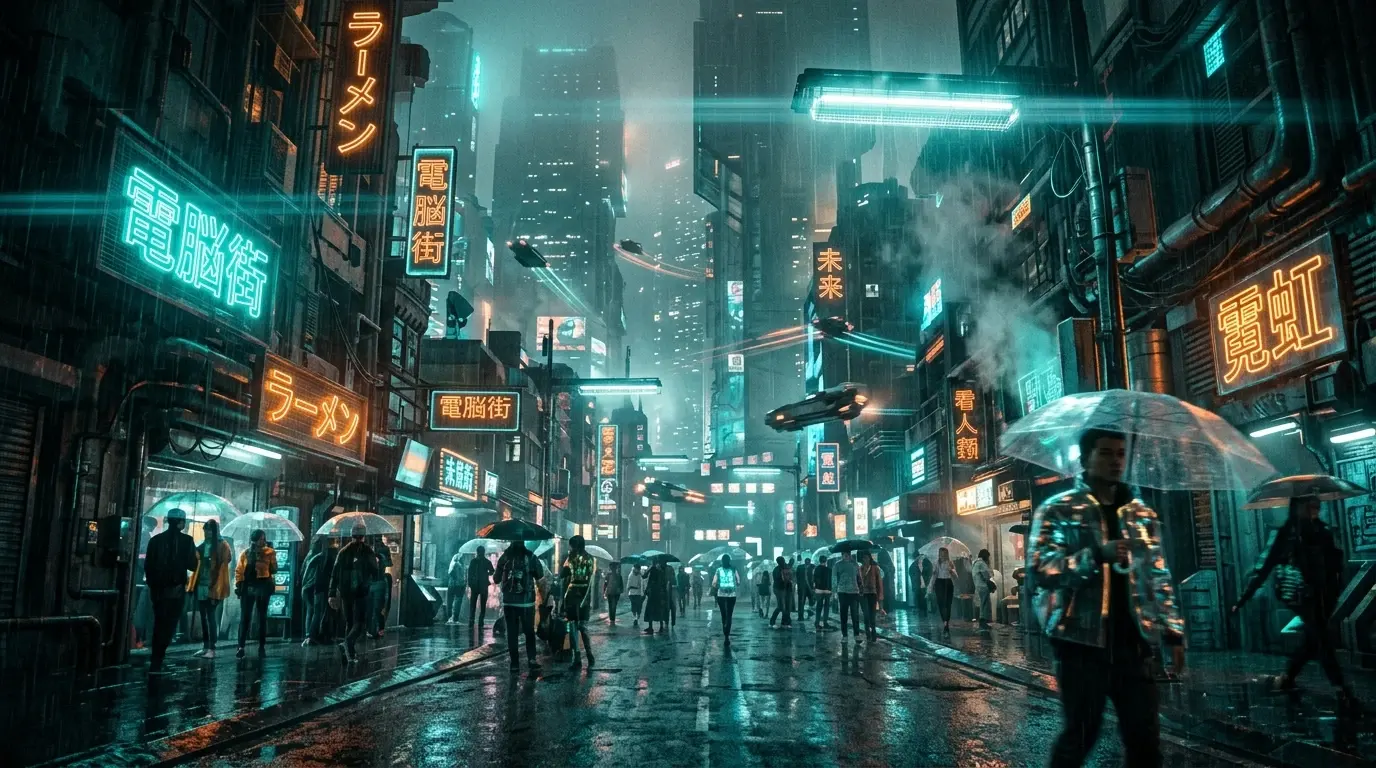
CoralVibe reads your text, splits it into scenes and lays them out on a storyboard you can edit shot by shot.
 #1
 #2
 #3
 #4
 #5
 #6
 #7
 #8
 #9
Characters
Same hero.
Every frame.
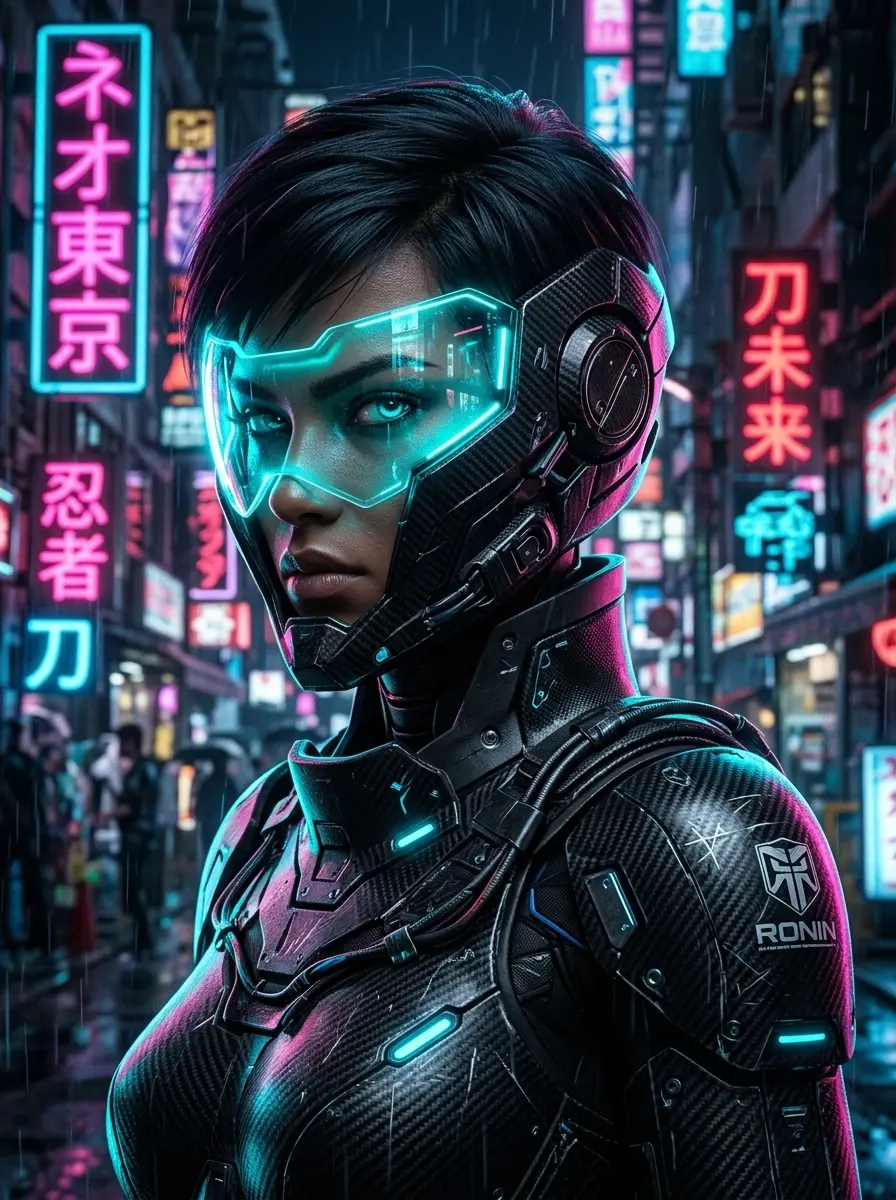
Characters, creatures and props get reference sheets, so faces and outfits stay locked across the whole film.
Reference sheets
Poses and expressions generated from the story.
Four scene modes
Characters, Dynamics, Objects, Illustration.
Kaito
Reference sheet
Scene 2Scene 7Scene 11Camera and style
You're the director.
AI is the crew.
Pick a camera language and an art style for the project, then fine-tune any scene on its own.
Camera modes
Cinematic, Portrait, Panoramic, Dynamic.
140+ art styles
Anime to true crime, plus styles of your own.
Cinematic
Portrait
Panoramic
Dynamic
Audio
Give your story
a voice.
Narrate the story with a voice from the library, timed to every scene.
#1#2#3#4#5Editor
A real timeline.
No learning curve.
Trim clips, add transitions, titles and animated subtitles, and let the AI director review the cut.
The package was a memory.Automations and agents
One click.
Story to finished film.
Run Scenes, Audio and Editor as one automation, or pick a scenario agent that writes and plans for you.
Automations
Pick a style and a voice, get a finished render.
Scenario agents
Reusable writers from the agent library.
Publish
Export it.
Show it off.
Download the finished film, or publish it to the community Gallery and collect likes.
Widescreen or vertical
16:9 for YouTube, 9:16 for Shorts, Reels and TikTok.
Community Gallery
Publish in two clicks.
1,284Rooftop Courier
by @rain_ronin
Every Style. Infinite Expression.
140+ art directions, with your characters locked across every frame. Pick one to start a video in it.
CoralVibe Gallery.
Created by our creators & studios. Every frame tells an uncompromised story.
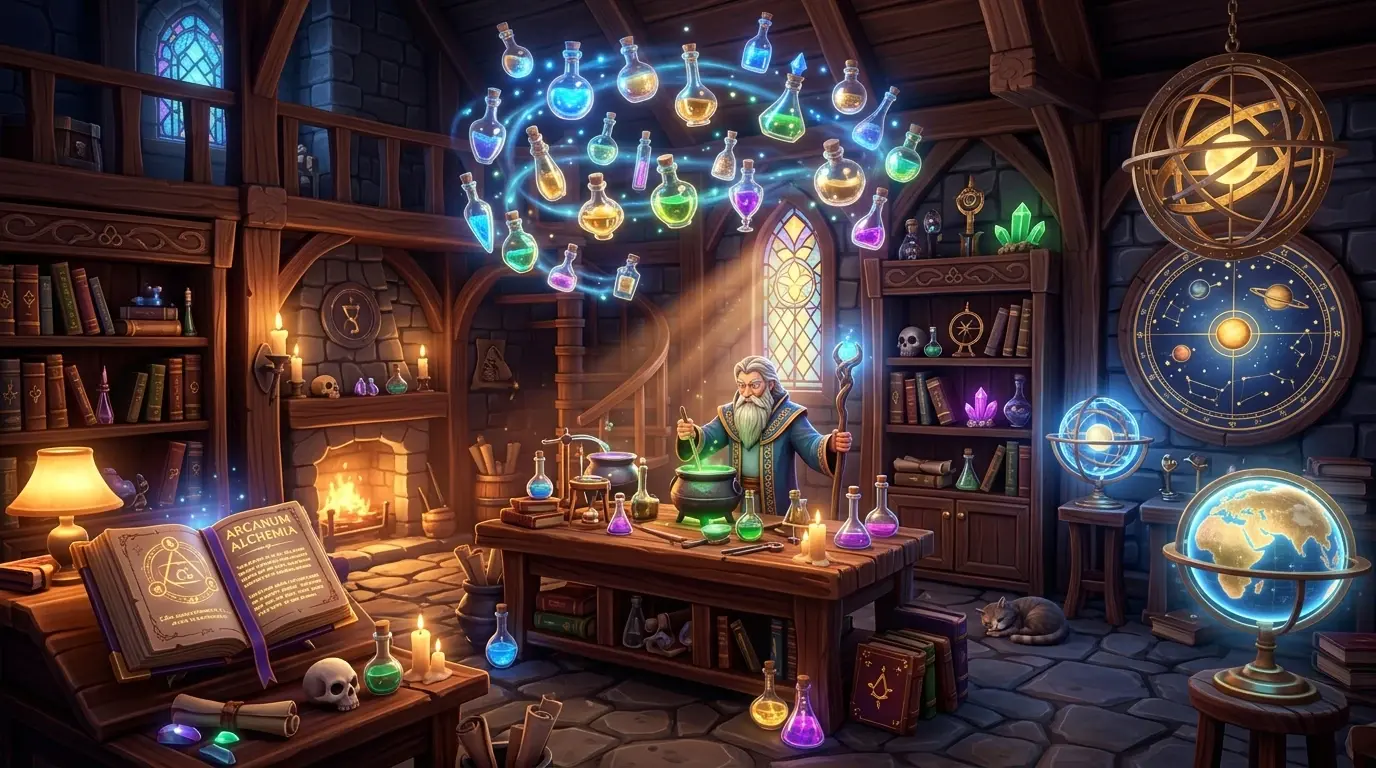
The Alchemist's Study
by @cel_shade
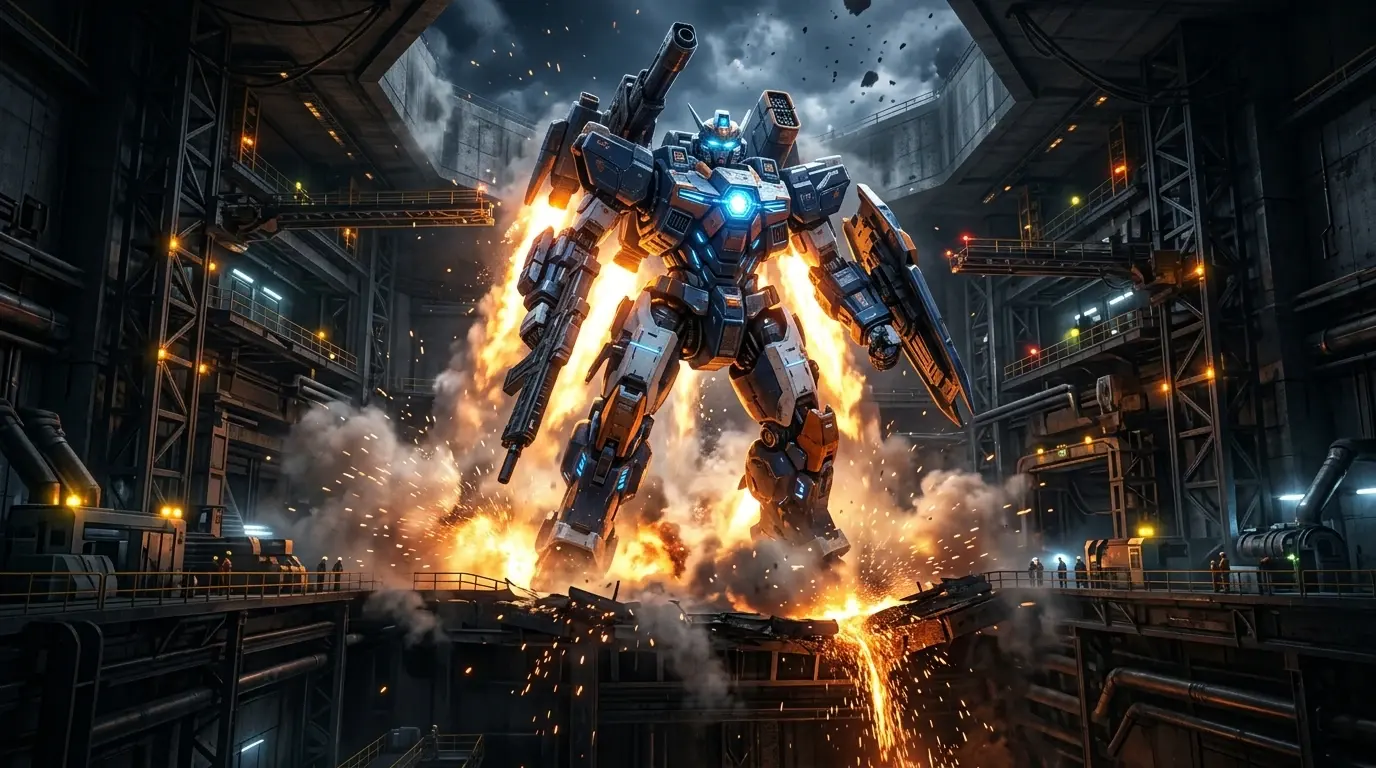
Cyber Mecha 09 Launch
by @shonen_ai
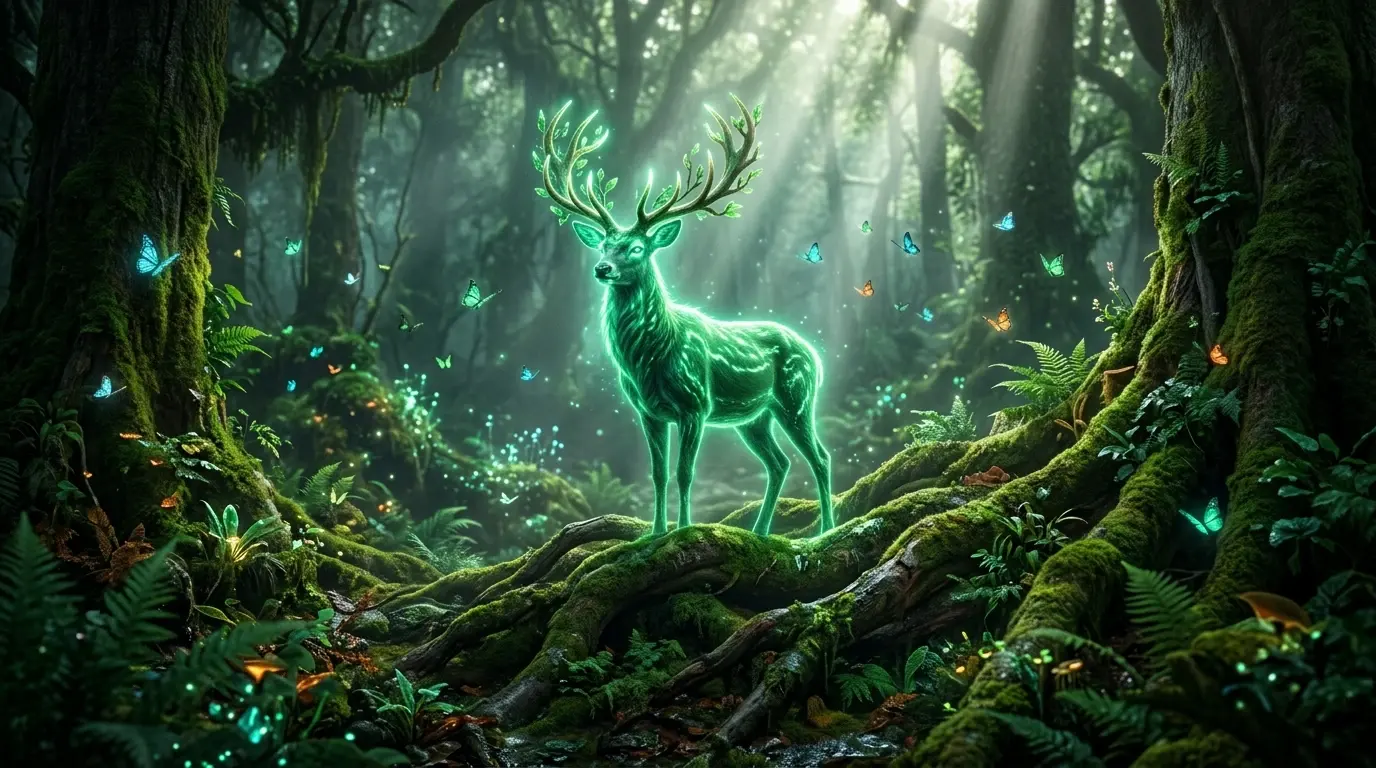
Emerald Spirit Stag
by @luma_forest
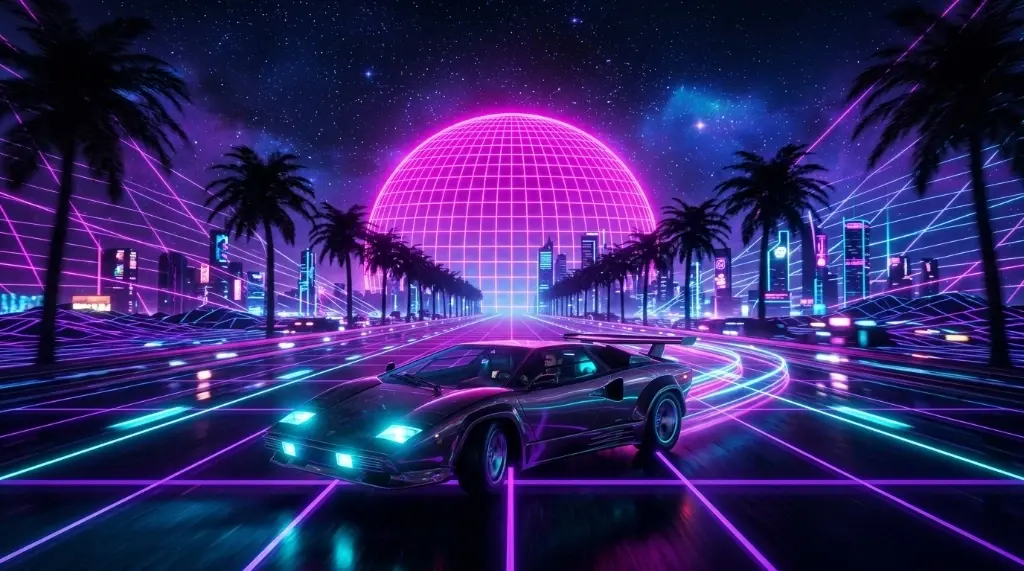
Outrun Synthwave Sunset
by @synth_racer
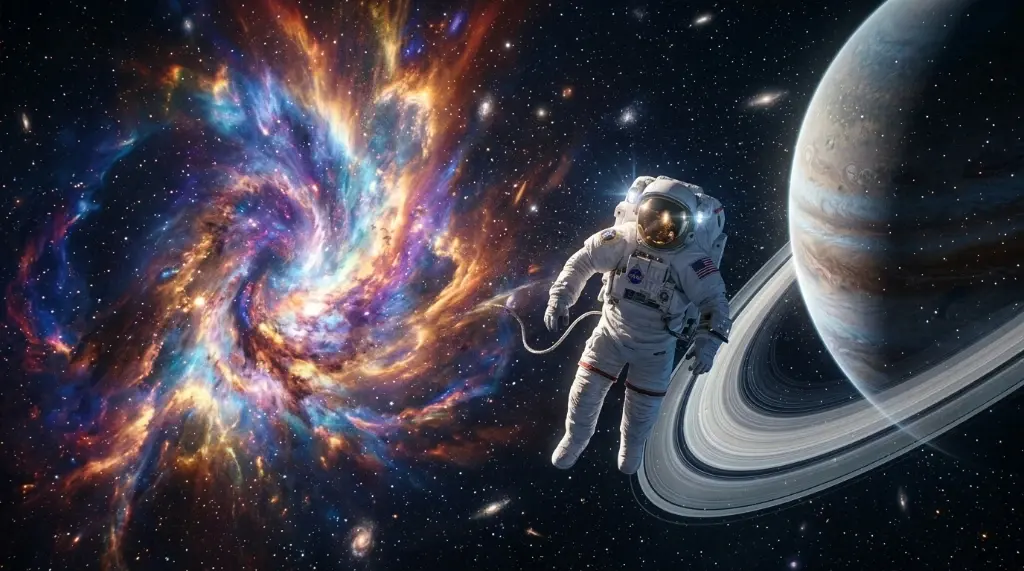
Supernova Nebula Expanse
by @astro_vibe
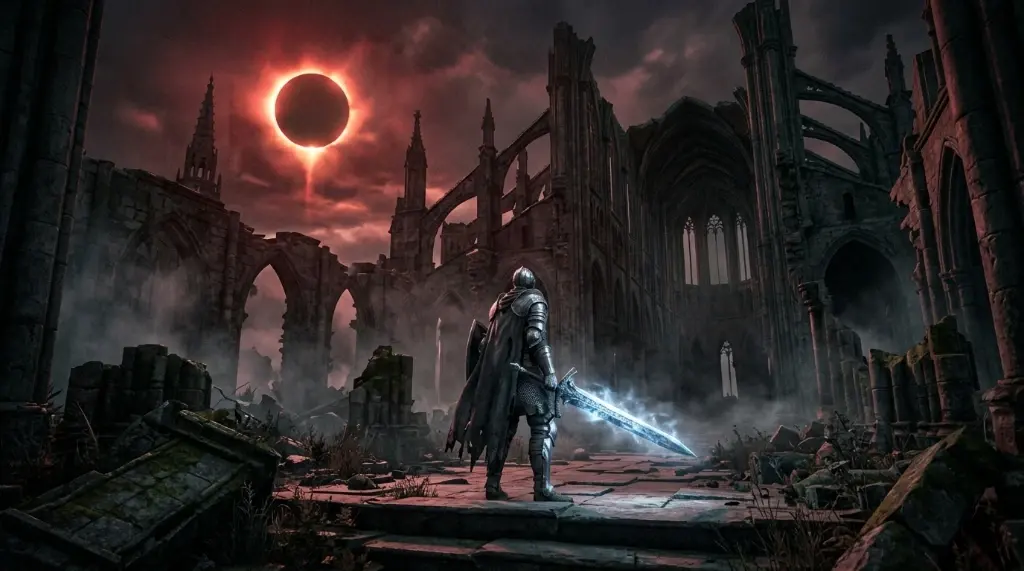
Cathedral of the Eclipse
by @soul_render
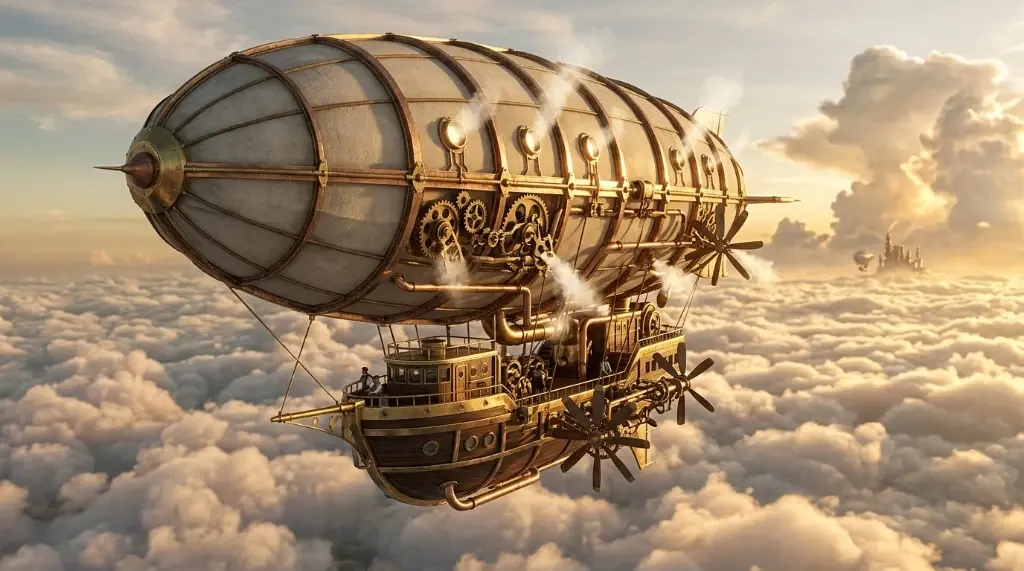
Victorian Brass Airship
by @steampuff
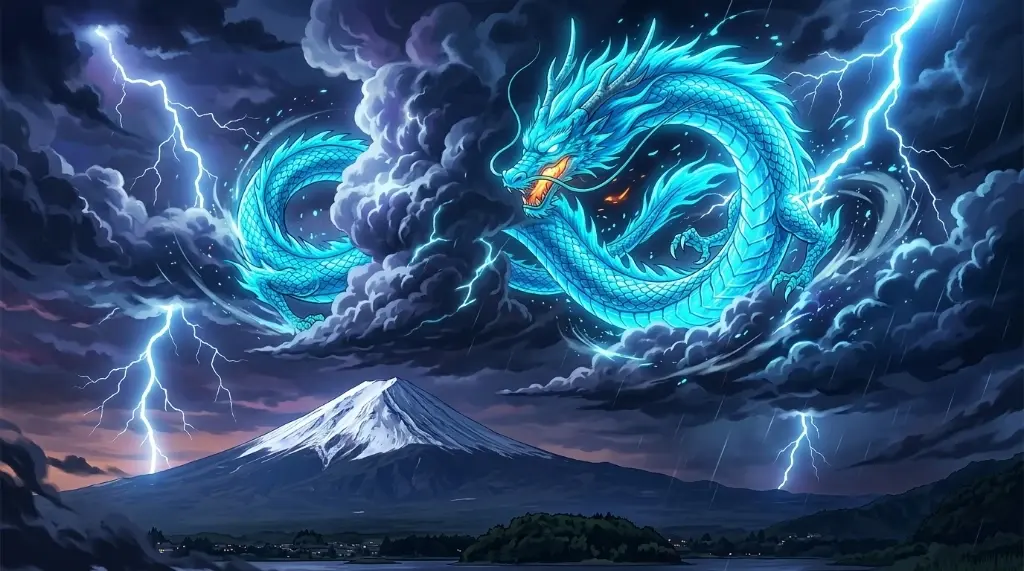
Azure Dragon of Mount Fuji
by @sumi_dragon
Ready to tell your story?
Turn your first story into scenes in a few minutes.